See Selldi from every angle
One platform, three worlds: what your customers see, what your team works in, and where you run it all from. Not sure where to start? Click „B2C store” — that is how a buyer sees you.
Your customers
What Selldi looks like to buyers — the store, the export catalogue and a signed-in account.
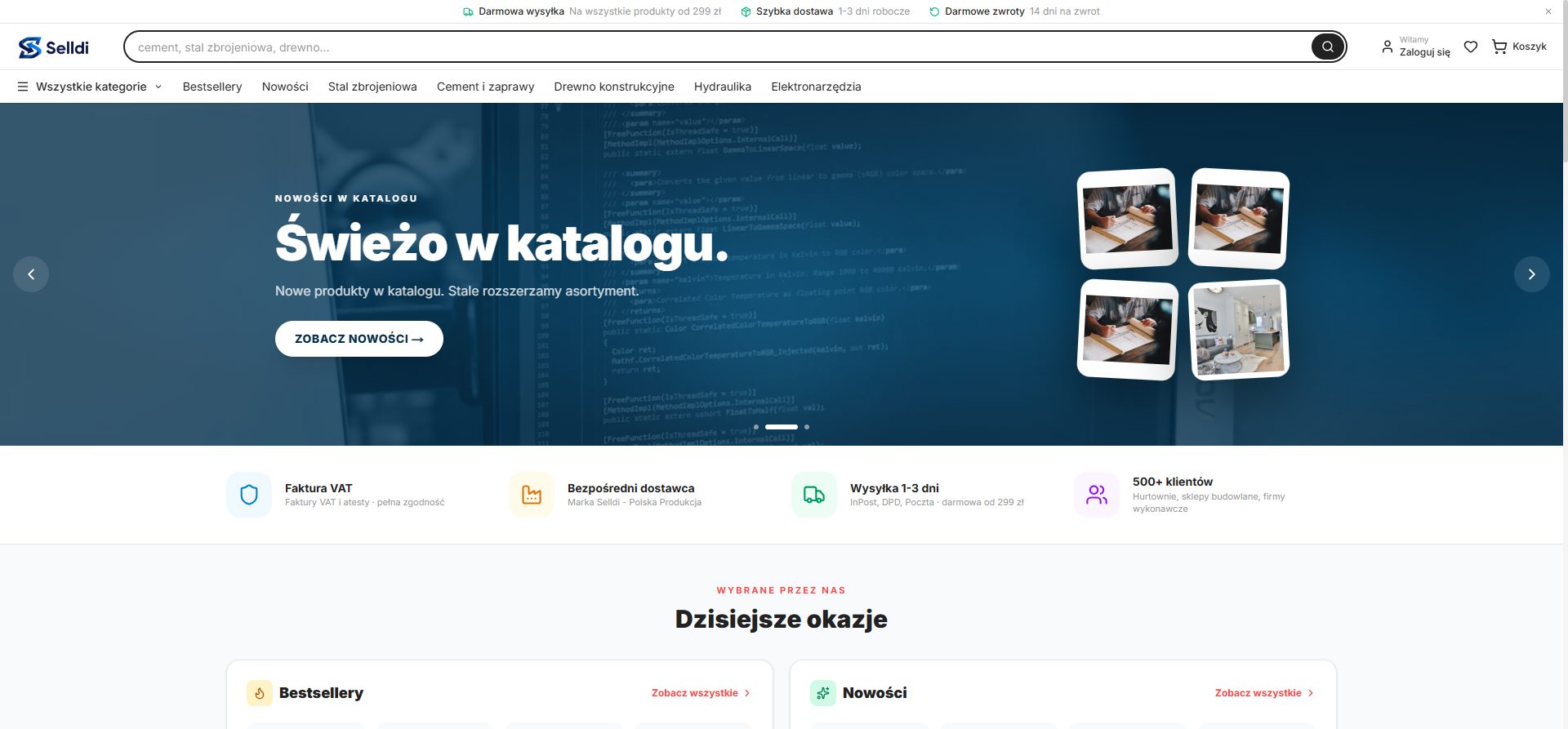
B2C store
retail storefront
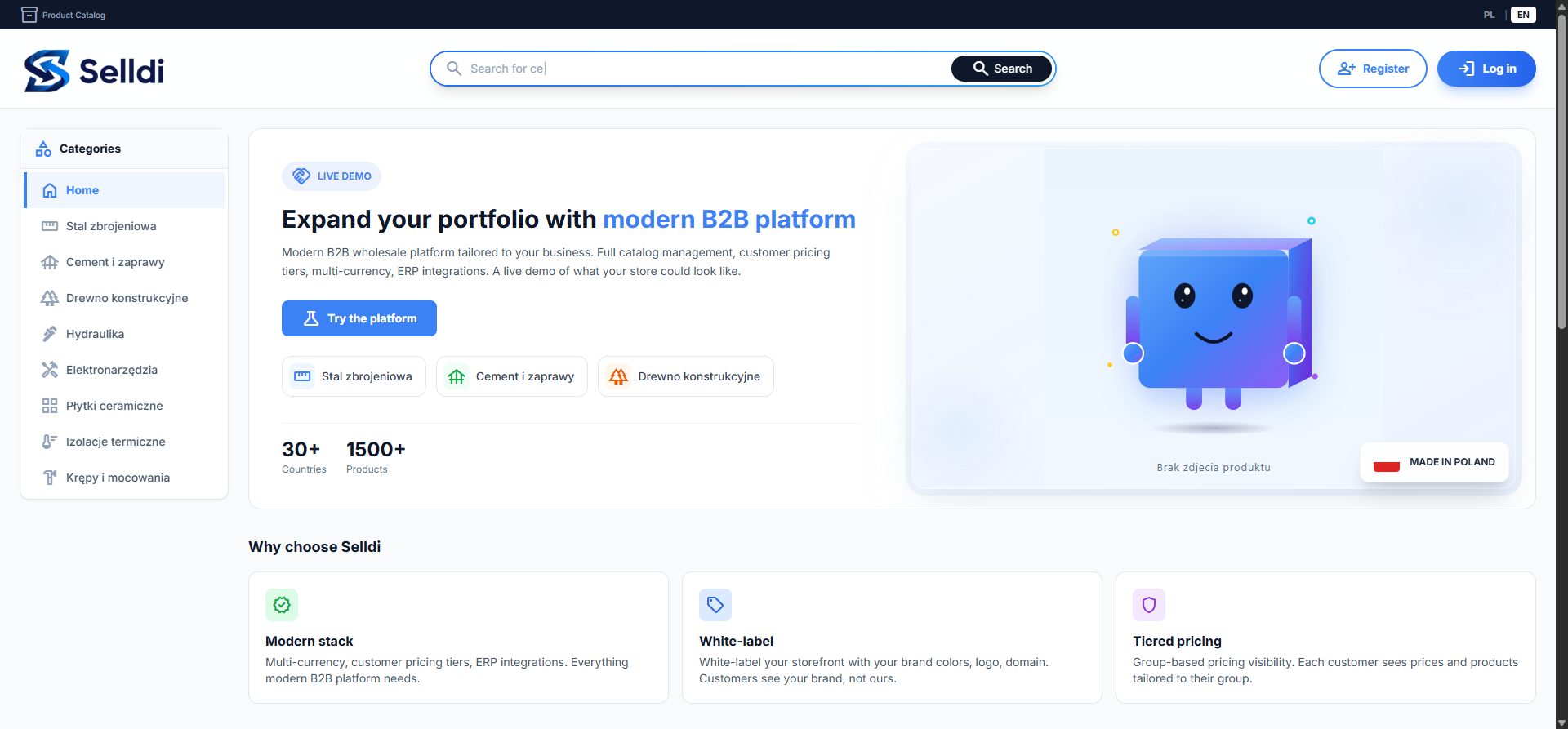
Export catalogue
export · EN · EUR
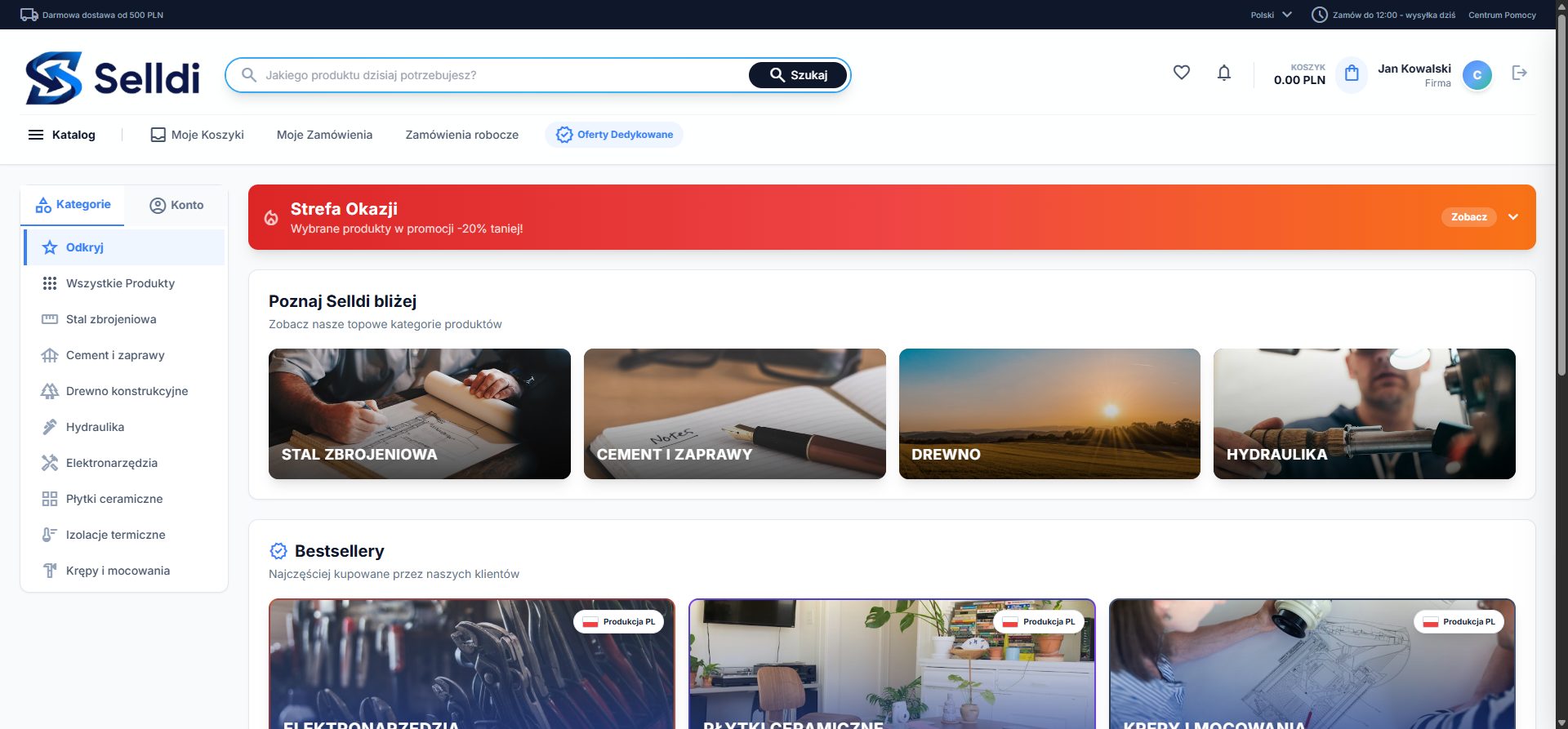
B2B customer portal
trade account, signed in
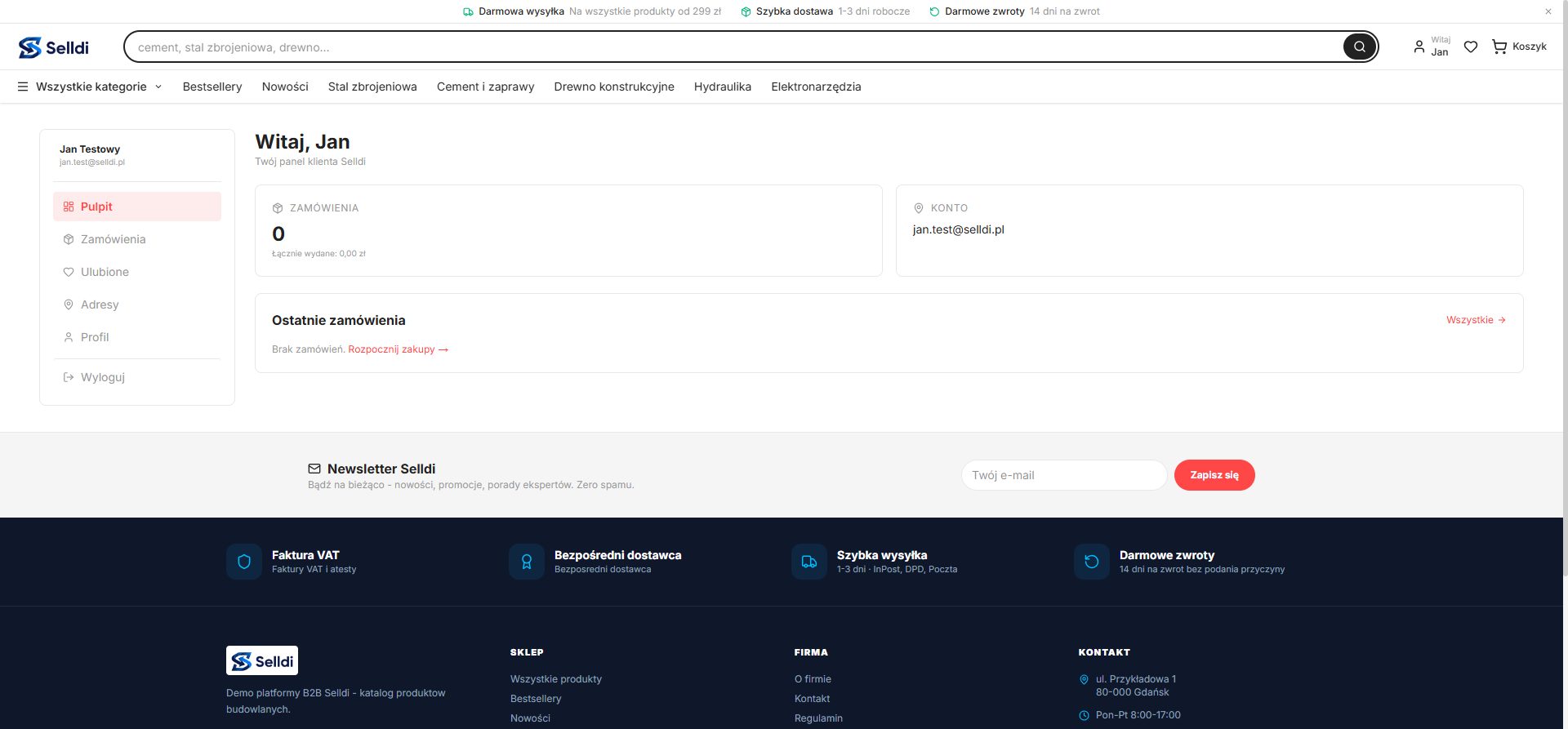
B2C customer account
retail buyer, signed in
Your sales team
Tools for reps and account managers — customers, quotes, orders and CRM.
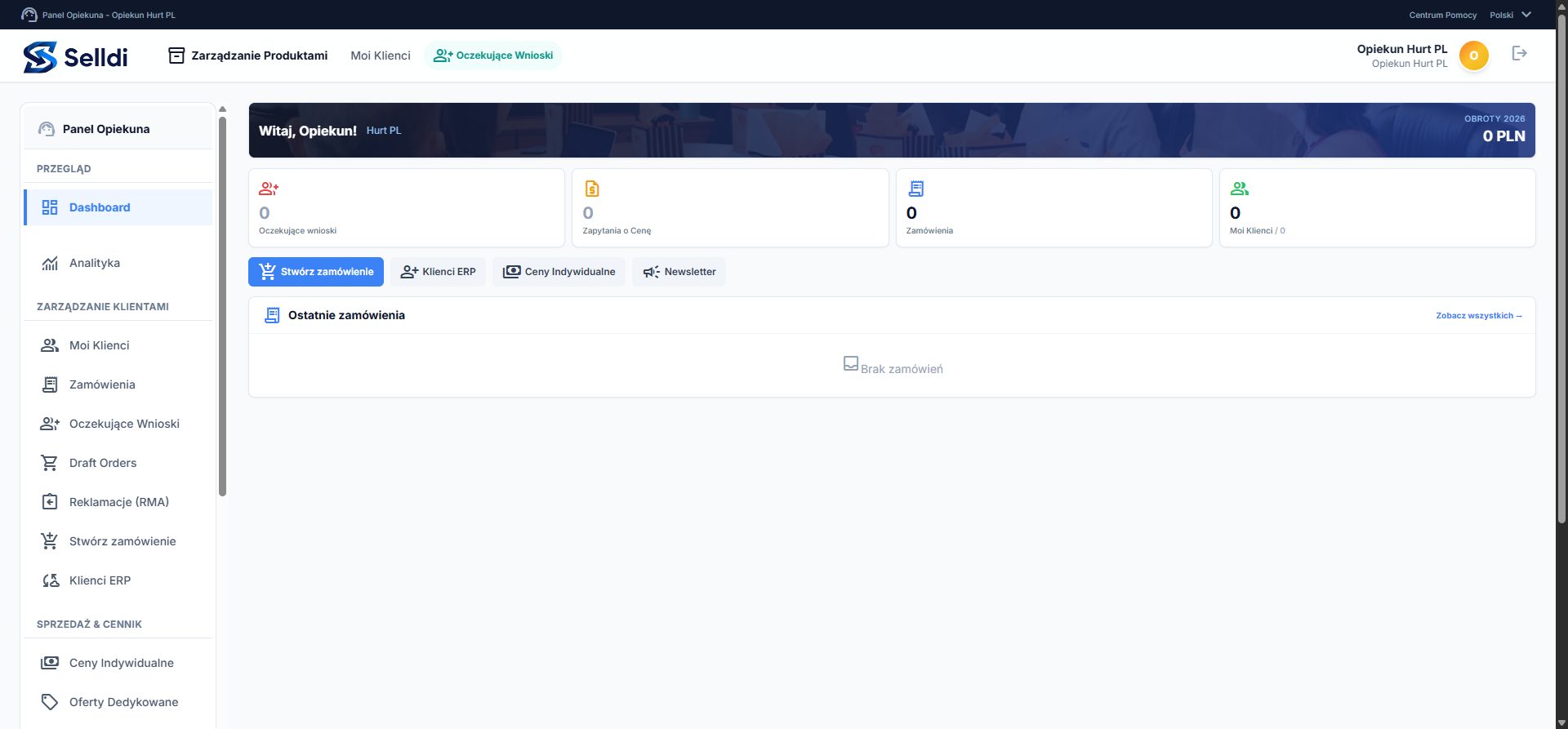
Sales rep — home market
account manager · domestic
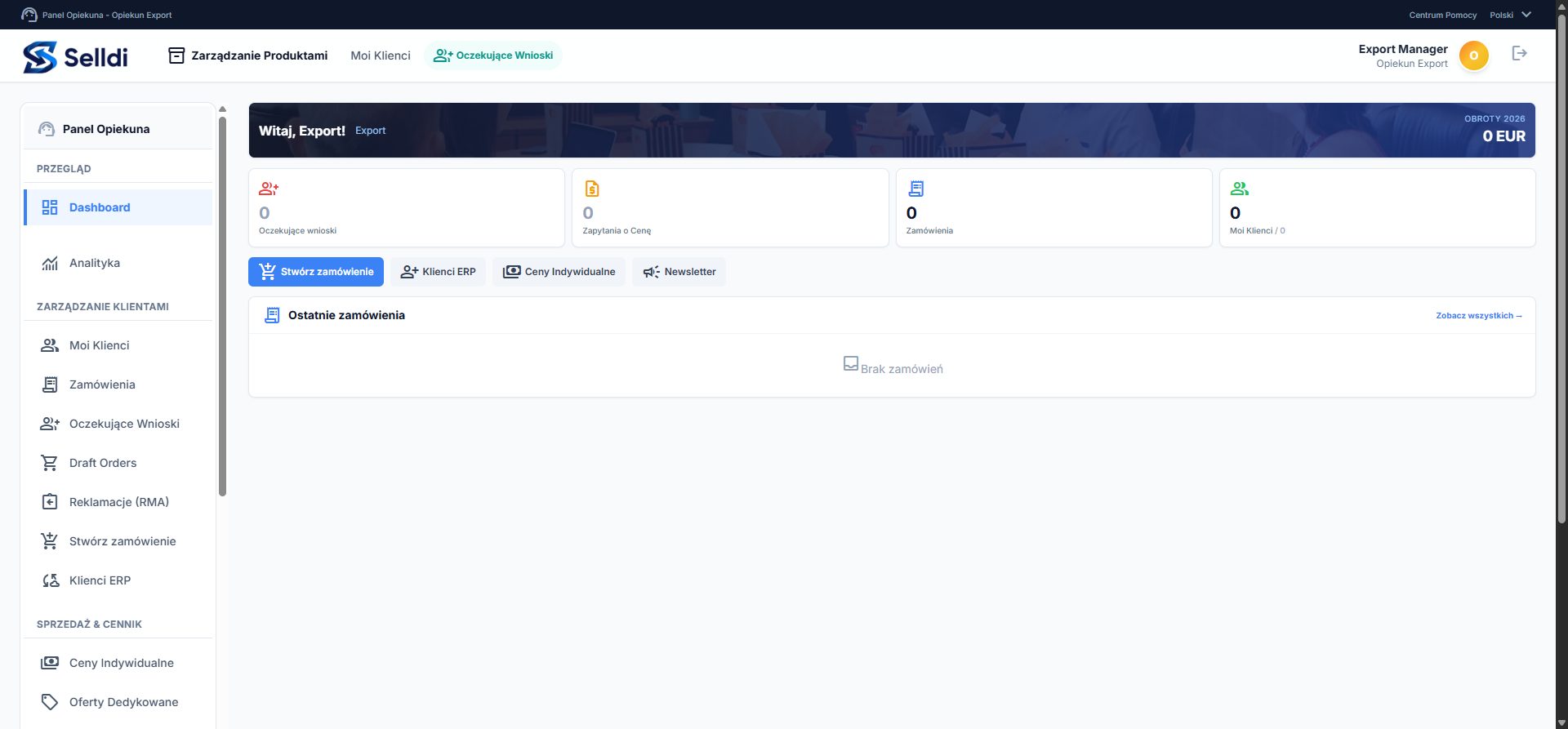
Sales rep — export
account manager · export
B2C store manager
running the retail store

CRM for sales teams
winning new accounts
Head office — that is you
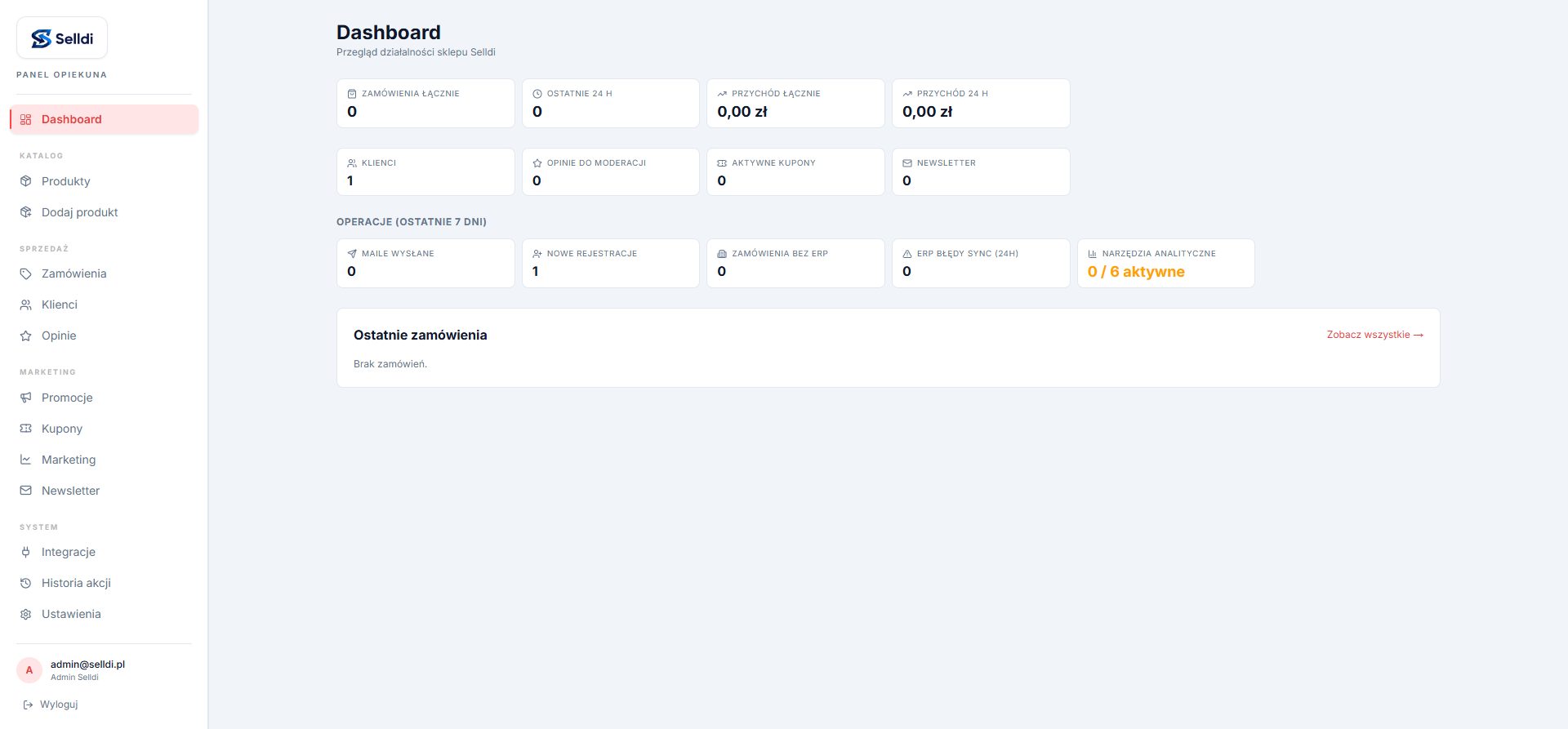
Where you run the whole platform: products, pricing, sales channels and integrations.
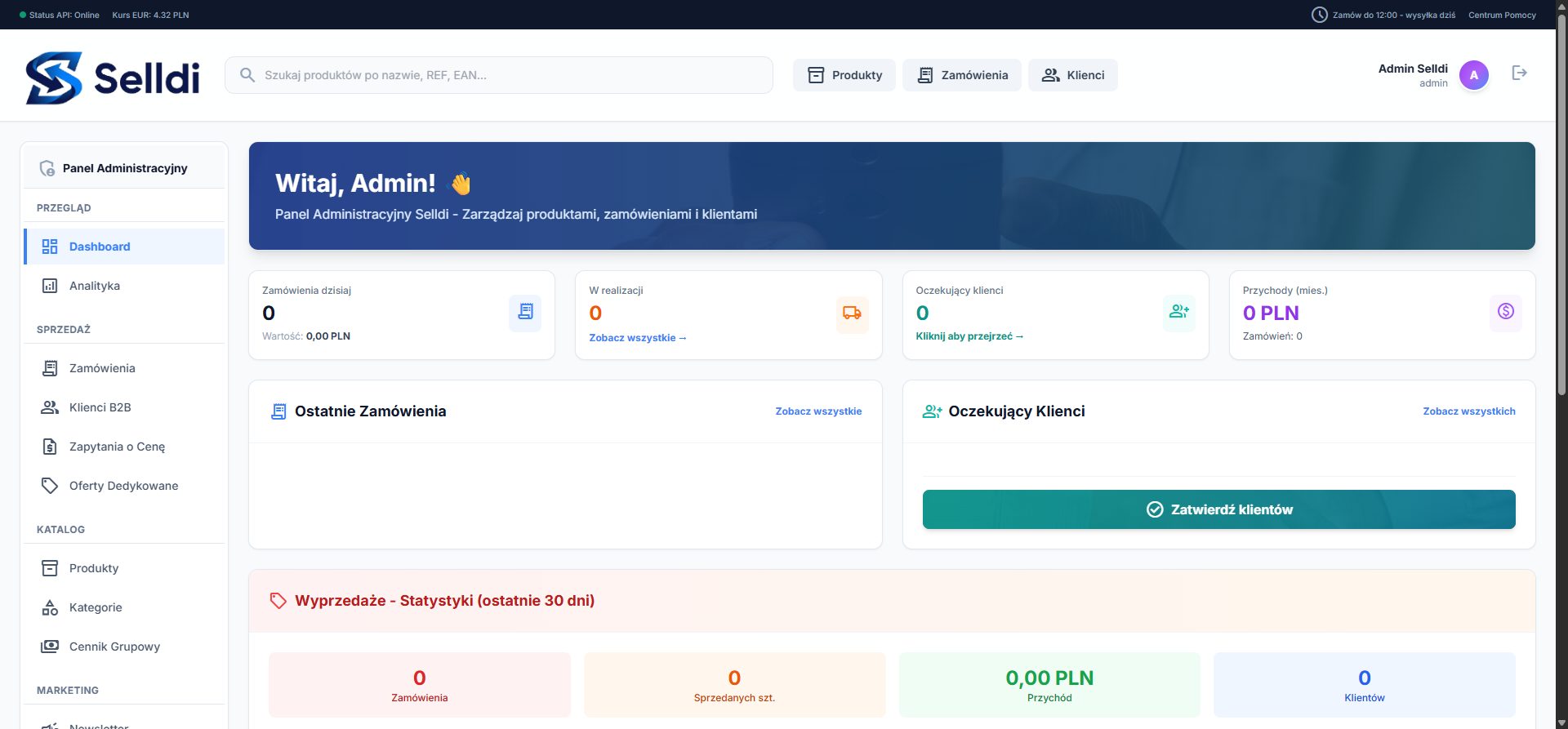
Administrator
full control of the platform
CENTER
products, prices and channels
The whole flow in 48 seconds: from login to ERP
A customer signs in and orders, the rep sees it as it happens, and the document lands in the ERP on its own. That is exactly what you can click through in the panels above — the film shows how it fits together.
Liked the demo? Let us talk about your business.
We will show how Selldi fits your products, your customers and your ERP. No commitment — 30 minutes and a concrete quote.
The demo uses test accounts and a sample catalogue (building materials). All integrations are placeholders.
Questions, or something not working? helpdesk@selldi.pl
© 2026 Selldi · www.selldi.pl